Selling items, storage and lost tools
Sell spare items at the Botanical Garden well, keep supplies in your dorm chest, and use Shift + right-click for quick transfer. Sorting and container cards arrive in 1.07–1.08.
Use the Botanical Garden well to sell spare items and your dorm chest to keep supplies. Update 1.07 adds sorting and faster transfers; 1.08 adds container item cards so you can inspect what you are moving.
Quick answer
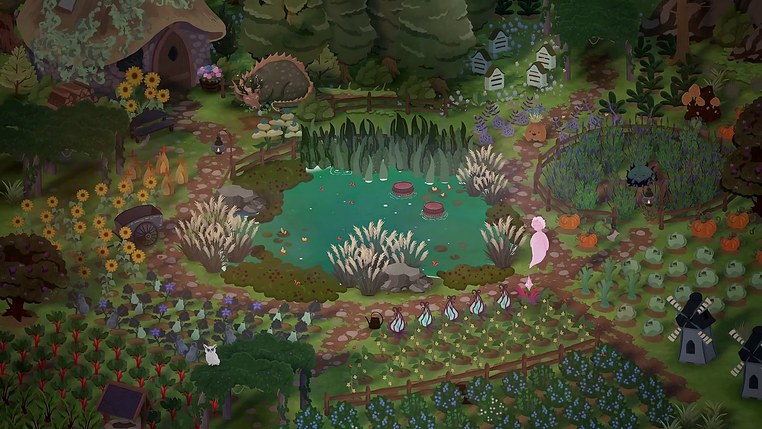
Sell at the well. The well in the Botanical Garden is the game's sell box — you drop an item in and get paid for it. No shop counter buys your spare junk, and the sooner you use the well, the less time you spend juggling a full bag.
Selling: the Botanical Garden well
The well is not a mystery box. When a launch-day player asked what throwing items down the well does, the answer from another player was one line: "It's how you sell items."
Stand at it, pick the item from your inventory and it leaves your satchel — that is the trade. Your bag fills up fast in the first week, so make the well part of the same daily loop as the garden.
Storage: the dorm chest
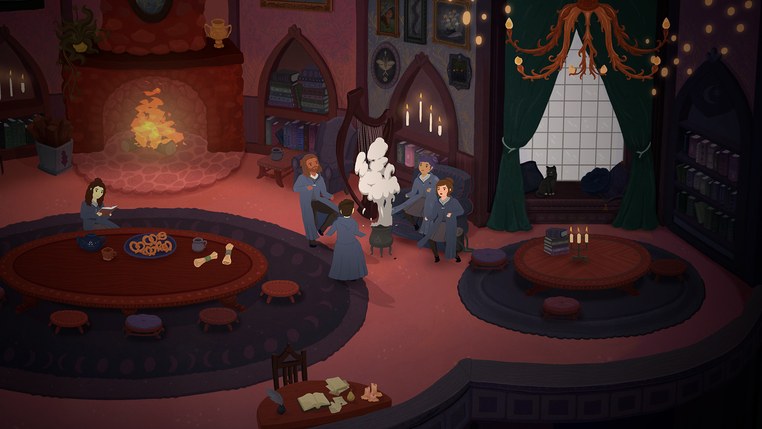
Your dorm room has a chest for ordinary items, including potions such as Potion of Hardiness and Instagrow. Move supplies you want to keep there before clearing your bag at the well.
What the chest will not take is quest-bound items. It is overflow, not a dump for anything awkward.
Sorting and quick transfer after 1.07
On keyboard and mouse, Shift + right-click performs a quick transfer. The same update adds sorting to your inventory and containers, plus an explanation of stack splitting and transfer controls.
Use the container's item card before moving a stack: 1.08 adds these cards and corrects a price-display bug. Sorting only rearranges items; it does not sell them or make a quest-bound object transferable. The 1.07 fix explicitly rejects non-droppable items during quick transfer, so repeatedly clicking a rejected quest item is not a storage upgrade.
If a fish reward does not register through the transfer button, install 1.06 or later before retrying Florian's reward interaction. That patch addresses the button, rather than changing where fish are sold.
Quest items you cannot get rid of
A launch-week thread from a player who crafted two Munchitis Treatments is the clearest case: one went to the quest, and the spare could not be sold, used, dropped, put down the well or placed in the chest. It simply occupied a slot.
Two workarounds, both from that thread:
- Reload an earlier save and do not craft the second one. The game autosaves through the day, so this costs a few minutes rather than a session.
- Keep it. Inventory is tight and the forums complain about it, but a single dead slot does not block anything.
If you drop your watering can
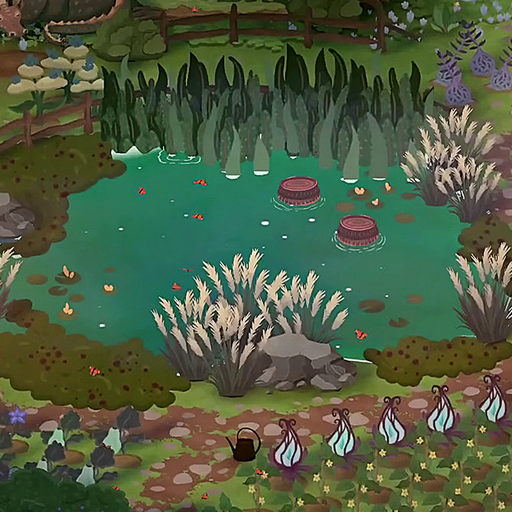
Dropping a tool instead of using it happens constantly, and the pond and the well are the usual culprits: clicking them while holding a tool drops it on the spot.
The developers answered this one themselves in the Steam forums — press Spacebar to interact with whatever is nearest. It works for objects you cannot see, and players who had lost a watering can behind the pond or the well got it back exactly that way. The same advice covers a dropped bucket or a stray item in tall foliage.
If the tool is not on the ground at all, reload the day-start autosave. One player had a watering can vanish mid-day during a music practice session, and the reload brought it back.
What is worth carrying
- Seeds and potions earn their slot — keep a stack of what you use daily and store the rest.
- Gathered junk belongs in the well, not the chest. Currency beats clutter.
- A duplicate quest craft is the one mistake you can actually regret, so read the recipe list before making a second one.
Once your bag is under control, the university garden page covers where the money goes, and things to know before you play has the rest of the early-game habits worth forming.
Sources: official 1.06–1.08 notes and the Steam fishing discussion.